Berikut tutorial cara login ke Channel Manager :
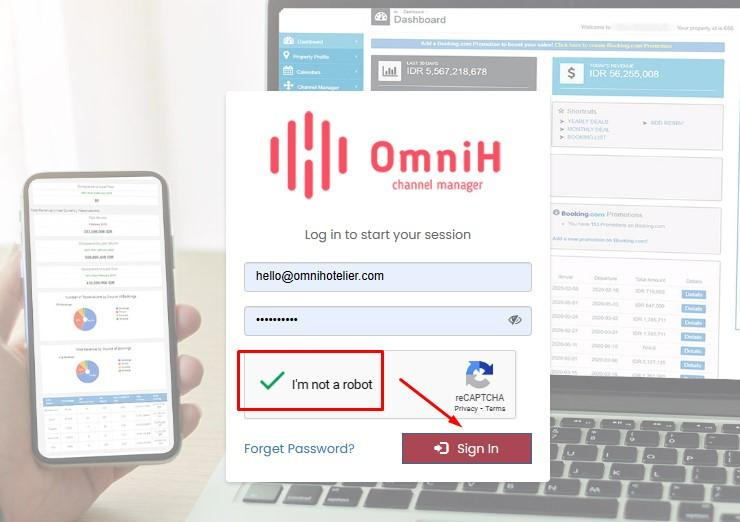
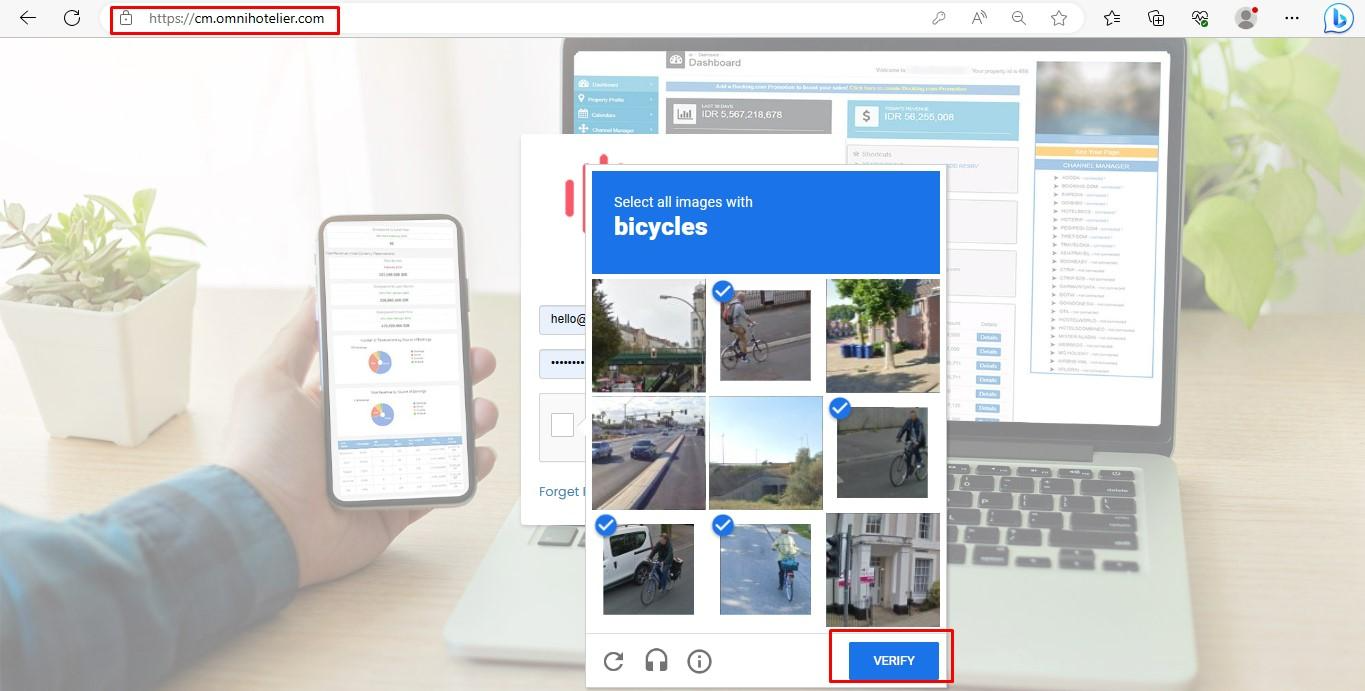
1. Untuk login ke Channel Manager bisa ketik cm.omnihotelier.com melalui browser di laptop/PC/HP. Masukkan email dan password yang diinformasikan untuk login access -> pastikan centang captcha "I’m not a robot" -> klik sign in.
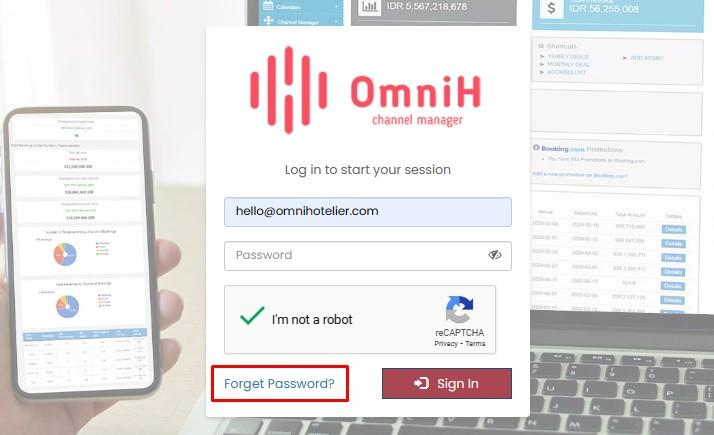
2. Apabila lupa password:
Klik tombol forget password -> masukkan email yang akan dikirimkan form untuk reset password -> centang captcha -> change password. Tunggu email untuk reset password diterima dan anda bisa create password baru untuk login ke Channel Manager.

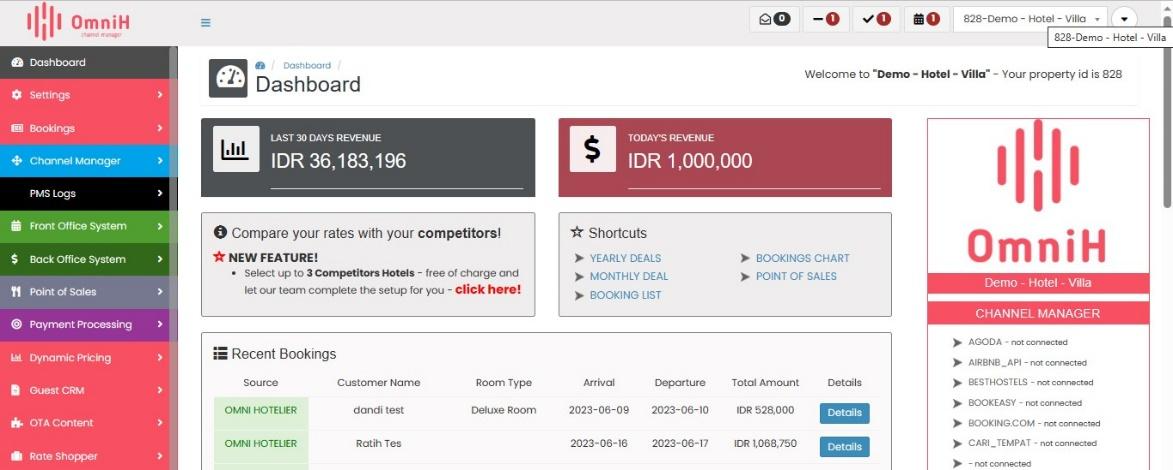
3, Setelah berhasil reset password, coba login kembali. Kalau sudah berhasil login akan langsung terlihat tampilan Dashboard.
Was this article helpful?
That’s Great!
Thank you for your feedback
Sorry! We couldn't be helpful
Thank you for your feedback
Feedback sent
We appreciate your effort and will try to fix the article